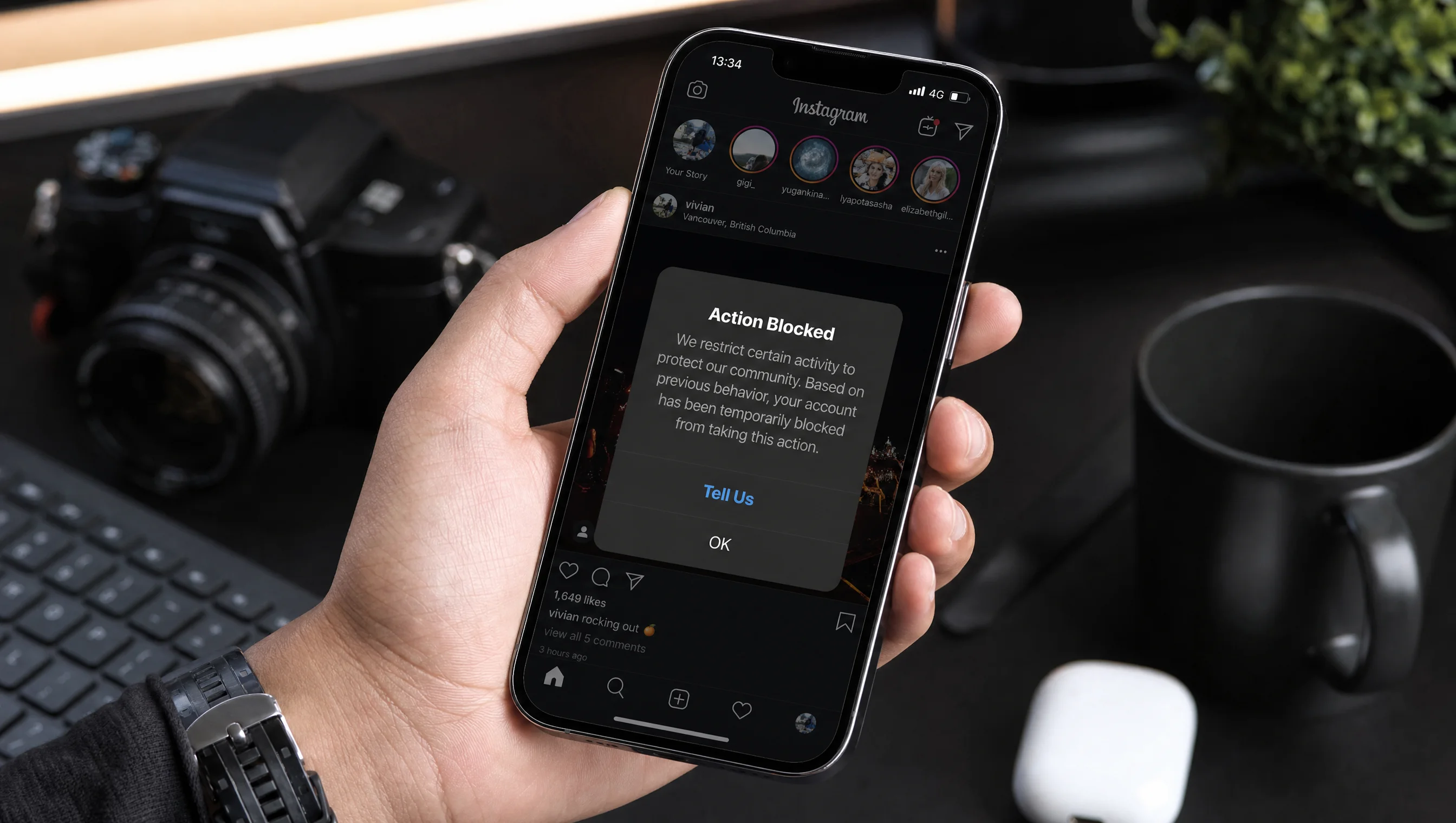
Instagram automation mistakes are responsible for the majority of account restrictions in 2026. Not malicious intent. Not some secret algorithm change. Just preventable configuration errors that trip Meta's security systems.
I have spent the past two years reading Meta's Platform Policy the way contract lawyers read fine print. Not because I enjoy it (well, maybe a little), but because I have watched too many accounts get restricted for mistakes that took five minutes to make and weeks to recover from. This is where most guides get it wrong: they tell you to "be careful" without explaining exactly what the risks are, what triggers them, and what happens when you hit them.
So let me be specific. Here are the 9 instagram automation errors that actually cause restrictions, with the technical reasoning behind each one.
For the complete breakdown of what Instagram allows and what it does not, start with our guide to Instagram automation safety.
9 Instagram Automation Mistakes That Trigger Account Restrictions
1. Using Tools That Ask for Your Instagram Password
Any tool that asks for your Instagram username and password is not using Meta's official API. It is logging into your account through a browser simulator and performing actions as if it were you sitting at a computer. Meta's security systems are trained to detect these non human session patterns. They flag irregular device fingerprints, unusual mouse movements, and impossible login locations.
What happens
Immediate action block. Repeated use leads to permanent account suspension.
How to fix it
Only use tools that authenticate through OAuth, where you are redirected to Instagram's own login page. If a tool ever asks you to type your password into their interface, close the tab.
2. Sending the Same Message to Hundreds of People
Copying and pasting the exact same DM text to 500 people in a day is a textbook spam signal. Meta's anti spam systems measure character level repetition across messages sent from a single account. When every outbound message is an identical string, the system treats it like a spam operation.
What happens
Temporary DM restriction for 24 to 72 hours. Your messages may also be silently filtered into the recipient's Hidden Requests folder.
How to fix it
Use message variation. Good automation tools rotate phrasing automatically. Even small changes like swapping word order or adding the recipient's name reduce repetition scores significantly.
3. Messaging People Outside the 24 Hour Window
Meta's messaging policy is clear: you can only send automated messages to someone within 24 hours of their last interaction with your account. That means if someone commented on your post three days ago, the window has closed. Sending a follow up sequence that fires on day 2 or day 7 violates this rule. It does not matter how relevant the message is.
What happens
API access revocation for the specific automation. Repeated violations lead to full account strikes.
How to fix it
Any automation tool worth using should enforce this window automatically at the infrastructure level. If your tool lets you schedule automated DMs to people who interacted last week, that is a red flag about the tool itself.
4. Ignoring Rate Limits During Viral Spikes
A Reel goes semi viral. 800 comments with your trigger keyword pour in overnight. A tool without built in throttling fires 800 DMs in 90 seconds. Meta's security algorithms interpret this as a bot swarm. The volume alone is not the problem. It is the velocity. Human accounts do not send hundreds of messages per minute.
What happens
Immediate rate limit errors from the API, followed by temporary account restrictions. In severe cases, your API access gets revoked entirely.
How to fix it
Use a tool with built in message queuing that enforces the same rate limits Meta documents in their API. The tool should spread delivery across hours automatically, not fire everything at once. If your automation provider does not mention throttling or rate limit compliance anywhere in their documentation, that tells you enough.
5. Cold DMing People Who Never Interacted With You
Sending unsolicited DMs to people who have never commented, replied to your story, or messaged you first is not a gray area. It is a direct violation of Meta's messaging policy. The API is designed for responding to user initiated interactions, not for cold outreach. Some tools market this as "prospecting" or "outreach automation." The API does not support it.
What happens
High block and report rates from recipients, which tanks your account trust score. Eventually leads to DM restrictions or full account suspension.
How to fix it
Build your automation around inbound triggers. Someone comments a keyword, they get a DM. Someone replies to your story, they get a follow up. The interaction always starts with the user, not with you.
6. Not Limiting Duplicate Triggers From the Same User
Someone comments "LINK" on your post. Your automation sends them the DM. Then they comment "LINK" again. And again. And 47 more times. Without deduplication, your tool fires 50 identical DMs to the same person for the same post. This is not a hypothetical. Comment spammers, bots, and even enthusiastic followers do this regularly. The same problem applies to story replies. Someone replies to your story 10 times with the trigger word, and your automation sends 10 separate messages.
What happens
Meta flags the rapid repeat messaging as spam behavior. The recipient gets frustrated and blocks or reports your account. Your outbound to block ratio climbs, which tanks your account trust score.
How to fix it
Your automation tool should enforce a per user limit: one trigger per user per post, or one trigger per user per story. If someone comments the keyword 50 times, they should receive exactly one DM. AutomateYourDM handles this with built in deduplication. The system recognizes that a user already triggered on that specific post or story and skips every subsequent duplicate.
7. Using Flagged URL Shorteners in Automated DMs
Free link shorteners like bit.ly and tinyurl are heavily abused by scammers. Their domain trust scores fluctuate constantly because of this abuse. When Meta flags a shortener domain due to a spike in phishing reports, every message containing that domain gets caught in the crossfire. Your perfectly legitimate link to a course signup page gets blocked because the shortener itself is on a watchlist.
What happens
DMs containing the flagged URL are silently dropped or filtered into Hidden Requests. You will not even know your messages are not being delivered.
How to fix it
Use direct links to your own domain whenever possible. If you need tracking, use UTM parameters on your own URLs instead of routing through a third party shortener.
8. Using Unauthorized Scrapers to Verify Follow Gates
Follow gating (requiring someone to follow your account before receiving a DM resource) is a legitimate strategy. But some tools verify the follow status by scraping Instagram's interface or using undocumented API endpoints. This scraping activity is detectable and violates Meta's Platform Manipulation policy, even though the follow gate concept itself is fine.
What happens
API access revocation and account flags for platform manipulation.
How to fix it
Use a tool that verifies follow status through official API endpoints. The Instagram Graph API does provide follower verification for connected business accounts. Any tool that needs to scrape to check follows is taking a shortcut that puts your account at risk.
9. Running Automation on a Personal Account
Instagram's API only supports Business and Creator accounts. Personal accounts cannot connect to automation tools through the official API. If a tool claims to automate a personal account, it is using an unauthorized method. There is no official pathway. Switching from a personal account to a Business or Creator account is free and takes 30 seconds, but skipping that step means your automation is operating outside Meta's approved framework from day one.
What happens
Any automation running on a personal account is inherently unauthorized and subject to immediate restriction upon detection.
How to fix it
Switch to a Business or Creator account before connecting any automation tool. Go to Settings, then Account, then Switch Account Type. It is free, instant, and required.
"Unlimited DMs" Without Rate Limiting Is Where Accounts Get Burned
Unlimited DMs as a pricing model is perfectly reasonable. It means you are not paying per contact or hitting artificial billing caps on how many people you can message. We offer this ourselves, and so do several other tools. That part is fine.
The problem is when "unlimited" gets interpreted as "send everything as fast as possible with no throttling." Meta enforces rate limits on every API endpoint. There is no exception for DMs. A tool that lets you fire 1,000 messages in 10 minutes because your plan says "unlimited" is not doing you a favor. It is putting your account at risk because the API does not care what your billing tier says.
The distinction matters: unlimited volume on your plan, but controlled delivery velocity on the backend. Those 1,000 DMs should still be spread across hours to match organic human behavior. Any tool offering unlimited messages should also be enforcing intelligent pacing behind the scenes. If they do not mention throttling anywhere in their documentation, ask why.
Quick Reference: Safe vs Restricted Behavior
Stays within the rules
Triggers restrictions
If You Are Already Restricted: What to Do Next
If you are reading this because your account is already restricted, here is the sequence that gives you the best chance of recovery.
Stop all automation immediately. Disconnect any tool that does not use the official Meta API. Go to Instagram Settings, then Security, then Connected Apps and revoke access for anything suspicious.
Wait at least 48 hours before doing anything else. Do not try to bypass the block by switching devices, using a VPN, or creating a new account. All of these make it worse.
Check your Account Status under Settings, then Account, then Account Status. If there is a violation listed, use the built in appeal process. Be specific about what happened and what you have changed.
When the restriction lifts, switch to a Meta approved automation tool that uses OAuth and respects rate limits. Start with low volume and scale gradually.
Once you are ready to set up automation safely, read our guide to safe DM automation architecture for a technical walkthrough of how we handle rate limits, message variation, and the 24 hour window.
Frequently Asked Questions
Not if you use a tool that connects through Meta's official Graph API via OAuth. API based automation operates within Instagram's documented rules. Bans come from unauthorized browser bots, mass follow tools, and scripts that simulate human behavior outside the API.
Check three things: it uses OAuth login (you are redirected to Instagram's own login page, never entering your password in the tool), it is listed as a Meta Technology Partner or explicitly uses the Instagram Graph API, and it does not offer mass following, mass liking, or auto commenting on other people's posts.
An action block is a temporary restriction that prevents you from performing specific actions like sending DMs or commenting. It typically lasts 24 to 48 hours. A shadowban reduces your content reach without any notification. Your posts stop appearing in Explore and hashtag feeds, but you can still post normally. Action blocks are obvious. Shadowbans are silent.
Most first time action blocks resolve within 24 to 48 hours if you stop the problematic behavior immediately. For extended restrictions, go to Settings, then Account, then Account Status and submit an appeal. Recovery is harder for repeated violations. If you were using an unauthorized tool, disconnect it under Connected Apps before appealing.
There is no publicly documented hard limit from Meta, but staying under 200 DMs per hour is a commonly accepted safe range for API based tools. The key is not just volume but velocity. Sending 200 DMs evenly spaced over an hour is very different from firing all 200 in 30 seconds.
Yes. AutomateYourDM uses Meta's official API exclusively, includes built in rate limiting and message throttling, automatically enforces the 24 hour messaging window, varies message text to avoid spam detection, and deduplicates messages so the same user never receives the same DM twice for the same trigger.